CatchTex features

CatchTex
Noted fast. Tex thinks ahead.
You stay on track!
Links and notes get lost in tabs and chats? CatchTex captures everything in seconds — links, notes, photos, PDFs, voice — and Tex, your AI companion, helps you find and use it all. Free to start. Sign in for sync and AI; PRO for more headroom.
Save anything in seconds
Links with title and preview, quick notes, photos, PDFs, or voice memos — via Share from any app, the Cache bar, or straight from your desktop. Nothing gets lost in tabs and chats anymore.
Ask Tex about your collection
Chat with Tex about everything you saved — answers stream in live, with your cards as cited sources. For news and weather, Tex checks the web too, tuned to your location if you like.
Tex thinks ahead
Tex creates cards and reminders right in the chat (only after you confirm), remembers what you tell it — “remember that…” — greets you with what’s due, and can even build small HTML mini-tools as cards.
Photos, PDFs & voice become text
Screenshots are read by OCR, PDFs get digests, voice memos are transcribed — everything becomes searchable. Dates in documents are spotted and offered as reminders.
Find it again — always
Search by keyword or by meaning: CatchTex finds the card even when you phrase it differently. Filter by #tags, topics, due, and important — on the phone, just swipe to switch filters.
Never miss what matters
Set a reminder on any card — by tap or by voice while saving. Due & important shows upcoming dates, highlights, and open checklists at a glance.
Save by email
Forward anything to your personal CatchTex inbox and it becomes a searchable card — or connect Gmail and new mail is saved automatically.
Clearing keeps things tidy
Walk through your open cards one by one — schedule, sort, mark done, or delete. A few minutes of Clearing and your feed stays calm.
Same cards on every device
Signed in, phone and desktop stay in sync — save on one device, and it’s instantly on the other. Photos, voice, and docs live safely in your account.
Plans
Limited use of media and AI · Enough for everyday capture
€5.99/ month
- Full AI power — search, enrich, reminders, and chat: a smart partner that helps and thinks along
- Plenty of room for photos, voice, and files
- Fair-use principle
- New features land in PRO first
Cancel anytime · withdrawal: see notice
Final price, no VAT · billed by Stripe
What you get when you sign in
Cache works without an account. Sign in for sync and AI — Free or PRO.
- · Phone and desktop stay in sync — nothing stuck in just one browser.
- · Chat with Tex — streaming replies, smarter search, chat history across devices. Due and important show up when you open the app.
- · Photos, voice, docs in the cloud — AI writes the title and the detail for you.
App screenshots



CatchTex
by jgreaterlab.com
CatchTex.app

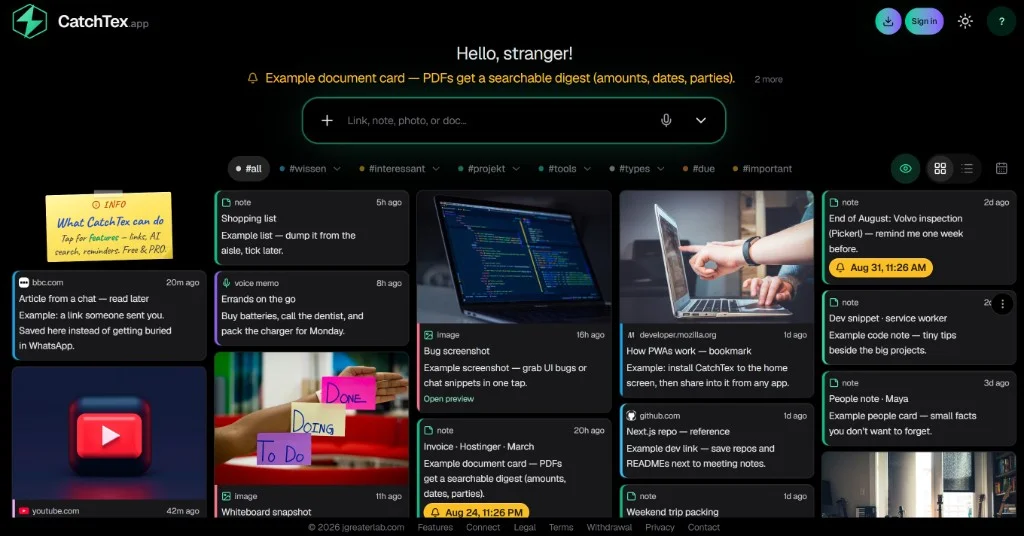


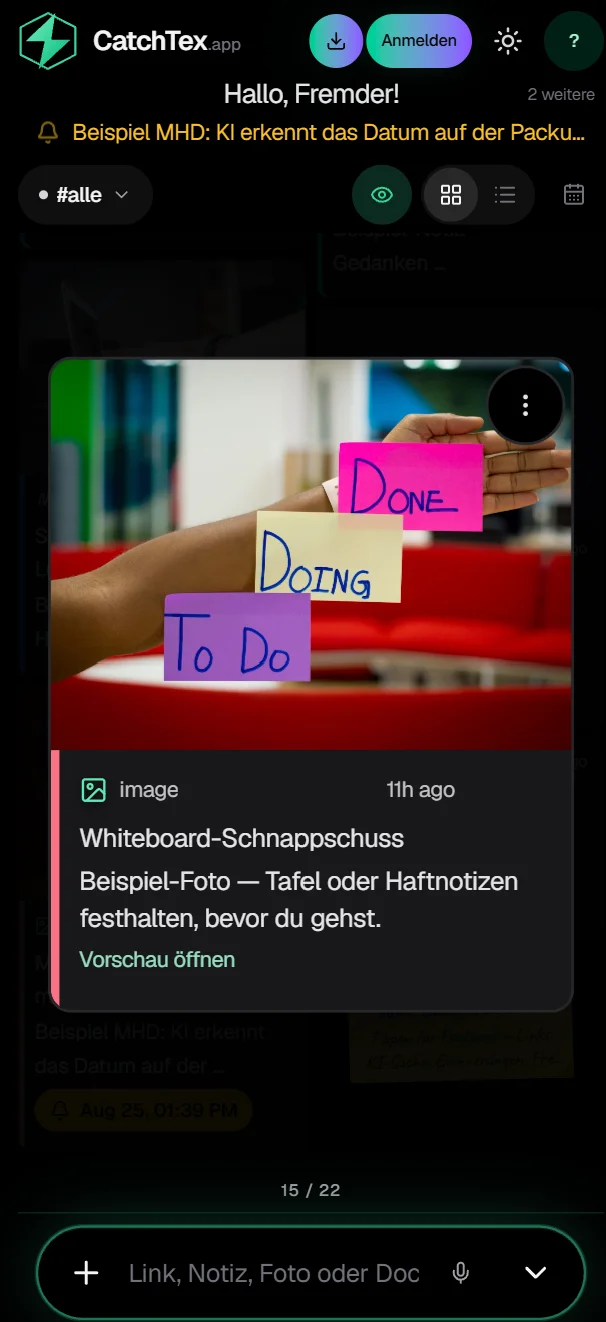
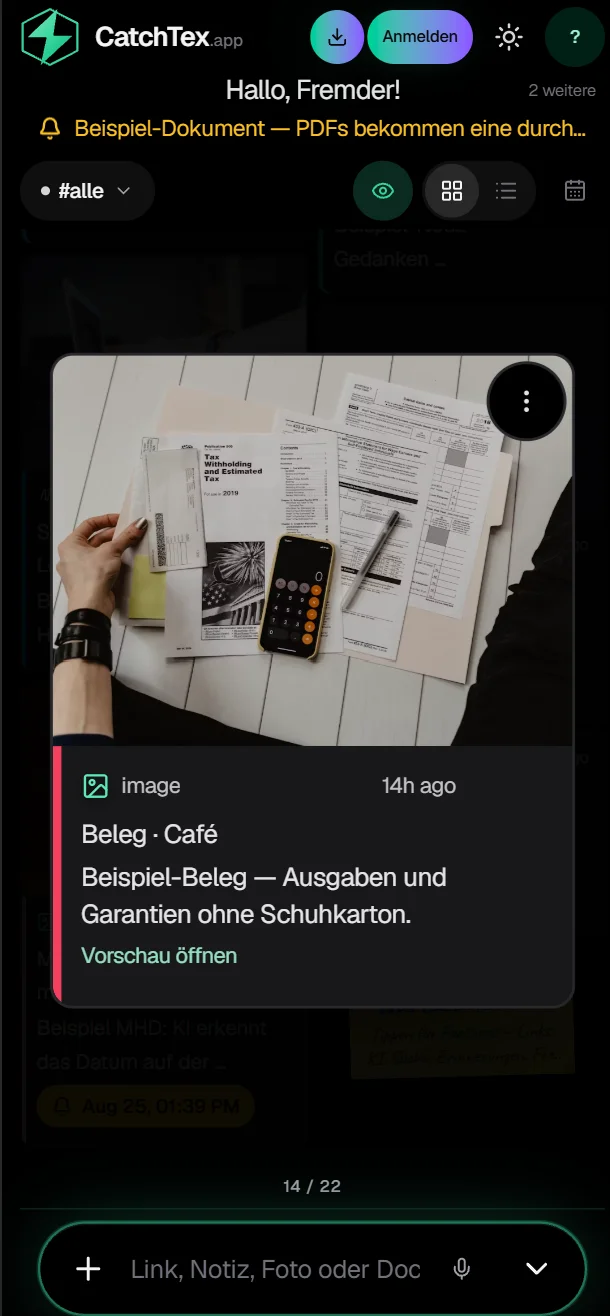
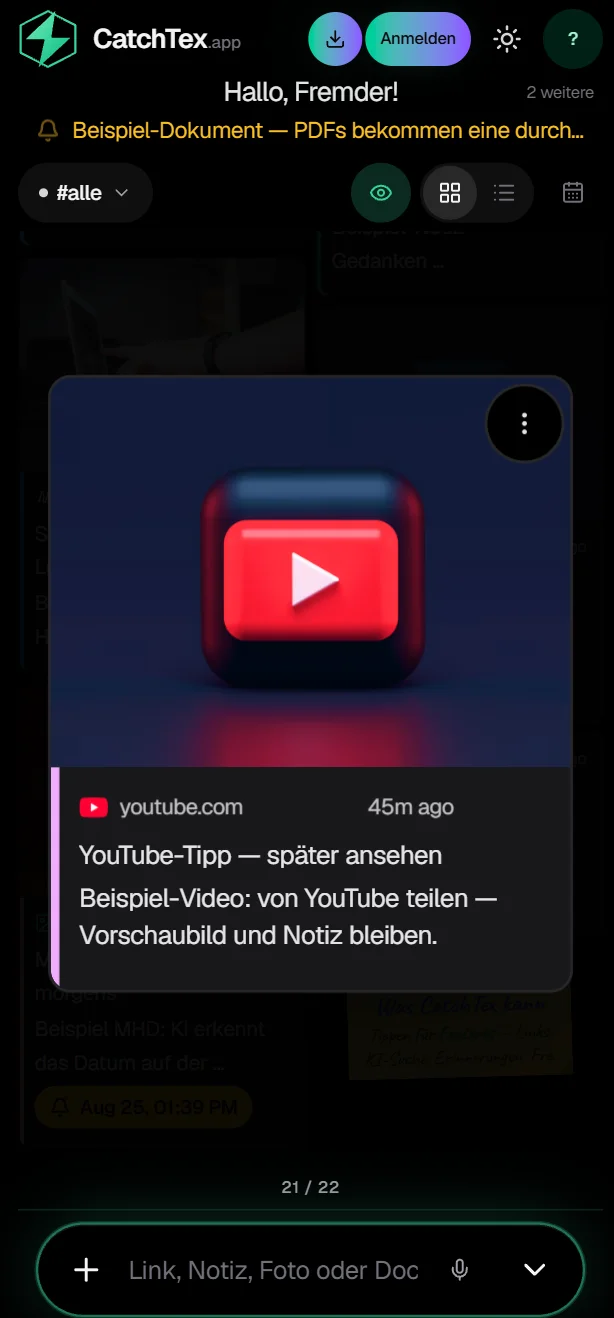
CatchTex in action
A quick look at saving, searching, and chatting with Tex.